
Features
WordPress server management features
WPShift sets up a server in your own cloud account and manages the WordPress sites on it. Mailboxes, DNS hosting and backup storage are part of every plan, including the free one. The 16 features below are grouped as the dashboard groups them, each with the plan it starts on.
Free plan available. Paid plans include a 7-day trial. Server costs are separate.
The map
Where each feature sits
Choose a part of the map to read about it. The same 16 pages are listed by group underneath.
 WPShift
The dashboard that sets up the server and manages what runs on it.
sets up and manages
Managed in WPShift, outside the server
Servers
The server itself: setup, PHP, resources, security and databases.
-
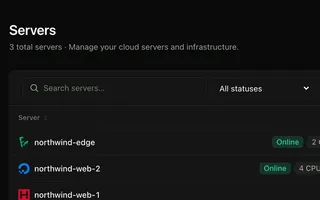 Cloud servers Every plan Connect your cloud account and WPShift installs and configures the server for WordPress.
 -
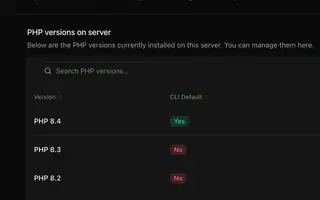 PHP versions Every plan Install several PHP versions on one server and choose one per site.
 -
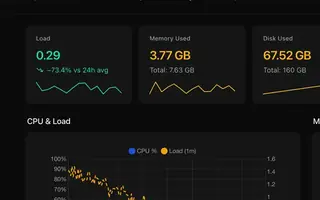 Server monitoring Every plan CPU, memory, disk usage and load for every server, with the history behind each reading.
 -
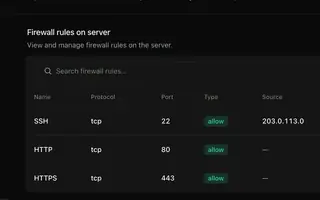 Security & firewall Every plan A default-deny firewall, SSH keys per person, and a separate user and database login per site.
 -
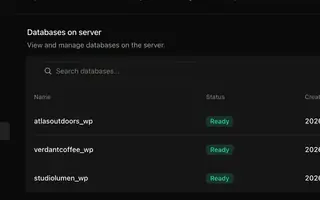 Databases Every plan A MariaDB database and user per site, plus the extra databases and users you add.
WordPress
The sites on the server and the settings each one has.
-
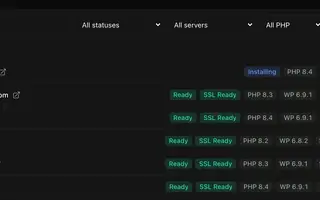 Site management Every plan Install, copy or import WordPress sites and manage plugins, themes, logs and settings in one place.
 -
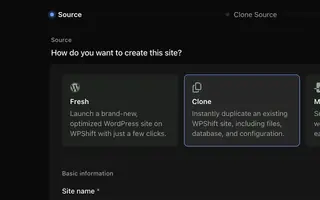 Staging & cloning From Solo Clone a site to test a PHP, plugin or theme change on a copy.
 -
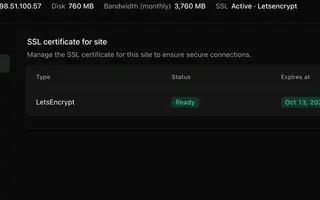
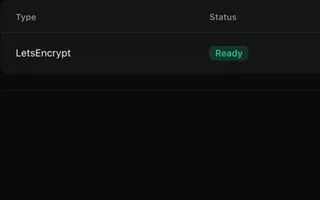 SSL certificates Every plan Free certificates, with renewal attempted ahead of expiry and an alert when a renewal fails.
 -
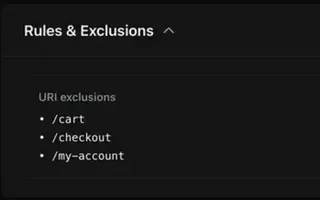 Caching Every plan Page caching in the web server and a Redis object cache, set per site.
Backups & monitoring
Copies you can restore, and checks that record what changed.
-
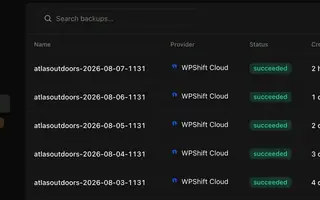 Backups Every plan Scheduled backups stored off the server, restorable to the same site or another.
 -
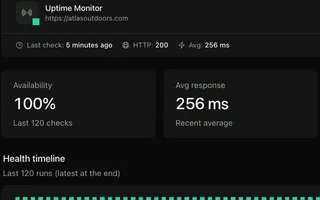 Uptime monitoring From Solo Each monitored site requested from outside its server, with history and an alert on repeated failures.
 -
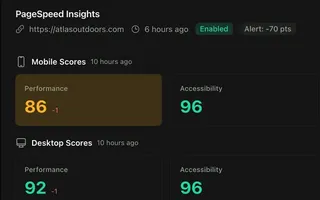 PageSpeed monitoring From Studio Scheduled mobile and desktop PageSpeed tests, kept as a history per site.
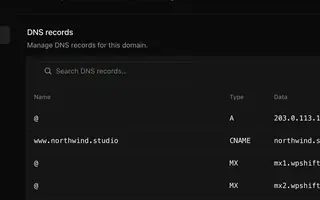
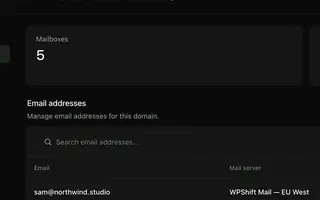
Domains & email
DNS records and mailboxes for the domains your sites use.
Teams & assistance
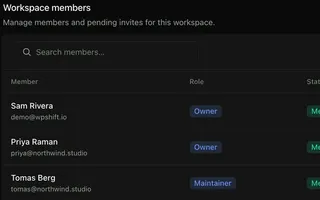
Who has access, and help with reading what happened.
Start with a server and a site
The free plan covers one site on one server. Staging and uptime monitoring start on Solo, PageSpeed monitoring and roles on Studio, and Copilot is part of Scale.
Free plan available. Paid plans include a 7-day trial. Server costs are separate.
The setup, in three steps
- Connect your cloud account
- Choose the region and size
- WPShift sets up the server