
Email hosting on your own domain, managed next to your sites
WPShift includes mailboxes on your own domain. A mailbox has its own storage, sends as its own address and keeps a copy of what was sent, and you use it in the included webmail or in Apple Mail, Outlook, Thunderbird or on a phone.
Free plan available. Paid plans include a 7-day trial. Server costs are separate.
In the dashboard

Where it sits
Mailboxes are managed in WPShift, outside the server.
 WPShift
The dashboard that sets up the server and manages what runs on it.
sets up and manages
Managed in WPShift, outside the server
Plans
Which plans include email hosting
- Free €0 included
- Solo €5,99 included
- Studio €14,99 included
- Scale €29,99 included
- Mailboxes with webmail, from the Free plan
- €0
- Catch-all and forwarding, from Solo
- €5,99
Mailboxes: 1 on Free, 3 on Solo, 15 on Studio, unlimited on Scale. Mailbox storage: 512 MB, 1 GB, 4 GB, 10 GB.
Per month, excluding VAT. Server costs are separate.
Mailboxes are part of every plan, including the free one: one on Free, three on Solo, fifteen on Studio and unlimited on Scale, with 512 MB, 1 GB, 4 GB and 10 GB of mailbox storage. Agencies and freelancers can create them for clients in the same workspace as the client's sites. Mailboxes stop with the subscription, so check what depends on them before you cancel.
Steps
How it works
-
Step 1
Add an address to a domain
Create a mailbox on a domain in your workspace.
-
Step 2
Mail records are configured
On a domain whose DNS WPShift manages, the records for routing and authentication are configured with the mailbox.
-
Step 3
Use webmail or your own app
Webmail is included, and the mailbox works over the standard protocols in your mail app.
Delivery
What the authentication records do
Correct authentication supports delivery. It does not by itself put a message in the inbox, which also depends on sending reputation and content.
Site mail
Send your site's mail through a mailbox
A WordPress site's outgoing mail can be sent through an authenticated mailbox on its own domain. Check the mailbox's sending limits against the volume your site produces first. A mailbox is meant for correspondence and site notifications, and bulk newsletters belong with a service built for them.
Your provider
Or keep the provider you have
Google Workspace, Microsoft 365 or another provider can stay. Point the domain's mail records at them in the DNS editor.
Questions
Questions about email hosting
- Will this stop my WordPress emails going to spam?
- Sending site mail through an authenticated mailbox on the site's own domain supports delivery. It does not guarantee the inbox, which also depends on sending reputation and content.
Related features
-
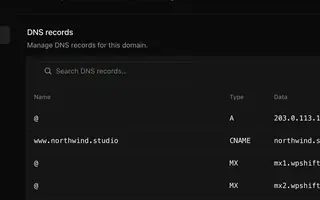 Domains & DNS Every plan DNS records managed next to your sites, or left with your current provider.
 -
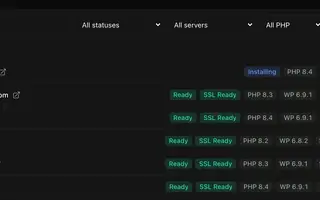 Site management Every plan Install, copy or import WordPress sites and manage plugins, themes, logs and settings in one place.
 -
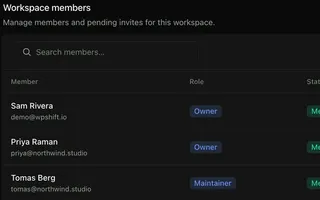 Team access Team size by plan A login per person. Team size, roles and workspaces depend on the plan.
 -
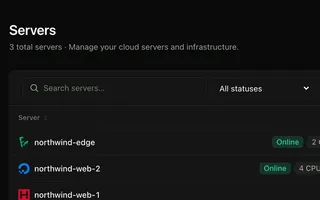 Cloud servers Every plan Connect your cloud account and WPShift installs and configures the server for WordPress.
Set up your first WordPress server
Connect your cloud account, let WPShift prepare the server, and add a site.
Free plan available. Paid plans include a 7-day trial. Server costs are separate.
The setup, in three steps
- Connect your cloud account
- Choose the region and size
- WPShift sets up the server