
WordPress server security, applied during setup
WPShift configures the firewall while it prepares a server: incoming traffic is denied except HTTP, HTTPS and SSH, and SSH access is by key. Every WordPress site then gets its own system user, its own directory and its own database credentials when it is created.
Free plan available. Paid plans include a 7-day trial. Server costs are separate.
In the dashboard

Where it sits
The firewall sits in front of everything on the server.
 WPShift
The dashboard that sets up the server and manages what runs on it.
sets up and manages
Managed in WPShift, outside the server
Plans
Which plans include security & firewall
- Free €0 included
- Solo €5,99 included
- Studio €14,99 included
- Scale €29,99 included
- Firewall, SSH keys and per-site users, from the Free plan
- €0
- SSH command runner, from Solo
- €5,99
- Role-based access for a team, from Studio
- €14,99
Per month, excluding VAT. Server costs are separate.
These are server-level controls. WordPress core, themes and plugins are updated separately, and a WordPress security plugin still has its own job. The settings come with every server WPShift sets up, on every plan.
Firewall
The firewall denies incoming traffic by default
Incoming connections are refused unless a rule allows them. HTTP, HTTPS and SSH are opened during setup. After that you can add a rule for a specific port and source address, or narrow a rule that is open to everyone.
SSH keys
SSH keys, one per person
Add a key for each person who needs server access and delete it when they leave. Removing one key changes nothing for anyone else.

Separation
Each site runs as its own user
A site's files belong to its own system user, its database credentials open only its own database, and its SFTP access is confined to its own directory. That limits how far a compromise on one site reaches. It is a boundary, not a guarantee: the sites still share the machine's CPU, memory and disk.
Updates
Operating-system updates are applied when you choose
The dashboard shows which packages have updates available on each server and applies them when you ask. They are not applied automatically.
Rollback
A failed firewall change rolls back
Before a firewall change is applied, the current rule set is copied aside. If a rule is rejected, the previous set is restored and the change is reported as failed. This covers a rejected rule. It does not cover a rule that applies as written and closes a port you needed.
Questions
Questions about security & firewall
- How do I remove someone's access?
- In two steps, and both are needed. Delete their SSH key from the servers they could reach, and remove them from the workspace in WPShift. Removing dashboard access does not revoke a key that is already installed on a server.
- Does this replace a WordPress security plugin?
- No. Keeping WordPress, themes and plugins updated, managing WordPress accounts and watching for changes inside the site are separate jobs that a plugin can help with.
Related features
-
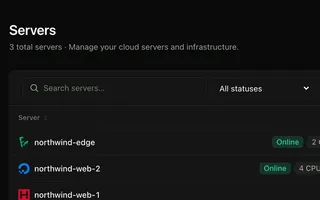 Cloud servers Every plan Connect your cloud account and WPShift installs and configures the server for WordPress.
 -
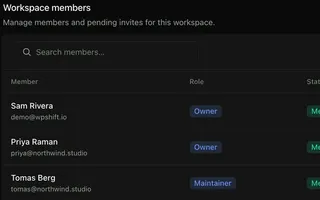 Team access Team size by plan A login per person. Team size, roles and workspaces depend on the plan.
 -
 SSL certificates Every plan Free certificates, with renewal attempted ahead of expiry and an alert when a renewal fails.
 -
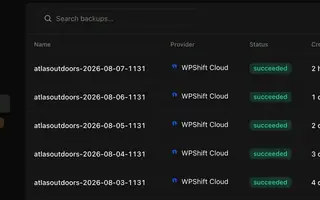 Backups Every plan Scheduled backups stored off the server, restorable to the same site or another.
Set up your first WordPress server
Connect your cloud account, let WPShift prepare the server, and add a site.
Free plan available. Paid plans include a 7-day trial. Server costs are separate.
The setup, in three steps
- Connect your cloud account
- Choose the region and size
- WPShift sets up the server